How To Bypass FRP On Tecno Spark 20? Best Guide
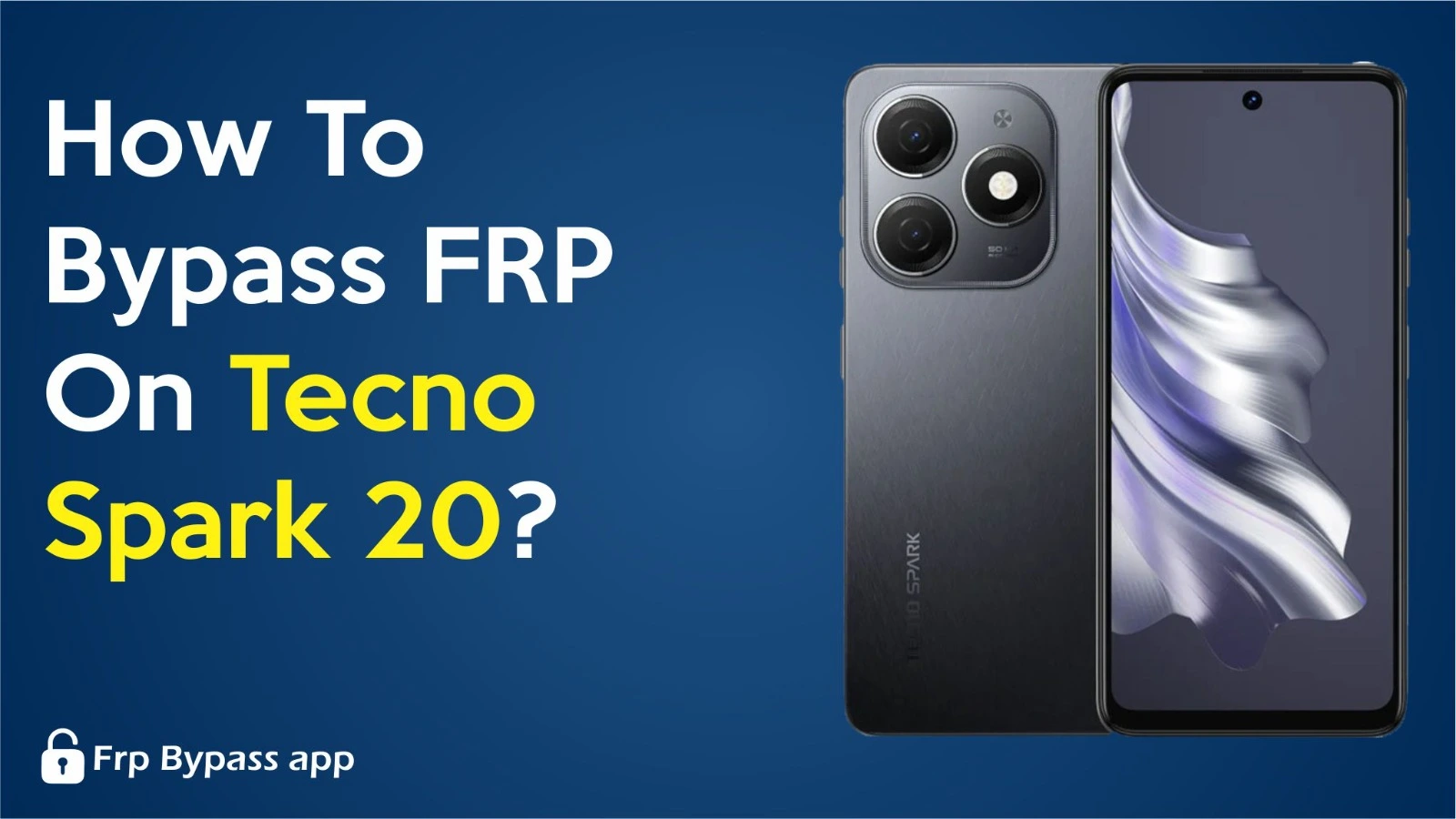
Bypass FRP On Tecno Spark 20
Rate this post

Bypass FRP on Tecno Spark 20 is a lock on your phone that keeps your stuff safe after a reset. It’s there to ensure only you can use your phone after resetting it. But sometimes, you might need to get past this lock, like if you forget your account details. In this article, I will guide you on bypassing the FRP of your locked phones.

Bypass FRP On Tecno Spark 20 Easy Points

There are the following easy steps of Bypass FRP on Tecno Spark 20:

  • Turn on your phone
  • Connect it to wifi
  • Tap on the QR code icon.
  • Tap on nearby and turn it on.
  • Tap on need help sharing.
  • Tap on the 3 dots in the top corner.
  • Tap on share article>messages.
  • Create a new message.
  • Type www.youtube.com and send it.
  • Tap on the link.
  • Go to YouTube settings and open terms and services.
  • It will take you to the browser.
  • Search for https://frpbypassapp.com or open FRP Bypass Apk.
  • Click on Open Settings.
  • Go to system>accessibility>Enable accessibility menu shortcut.
  • Go to Apps>See all apps>Forcestop Android setup.
  • Go to Google Play Services and disable it.
  • Now again start the phone setup.
  • Go to phone settings>Enable Google Play Services.
  • Now set up your Phone.
  • Congratulations, your Tecno Phone FRP is bypassed.

Conclusion

In summary, you can easily unlock your Tecno phone using this method. Follow the above steps properly to avoid any hindrance.
Similar Posts

  • FRP Bypass without PC

    If you factory reset your phone, the Google account manager requires a password to unlock it. This is due to the Google Factory reset protection feature. If, for any reason, you forget your password, your phone will be locked, and you will not be able to access anything.  But there is nothing to worry about…

  • FRP Hijacker

    The FRP Hijacker tool by Gsm Haggard is designed to easily bypass FRP locks on Samsung Galaxy smartphones. This tool efficiently tackles Softbrick errors, facilitates factory resets, and unlocks FRP in download, dialer, and ADB modes. Below is the link to download the tool What Is FRP? FRP is a security feature integrated into modern…

  • FRP BYPASS APK MRT

    The FRP bypass apk MRT tool is a free tool that can work without any aid or box and can bypass the FRP of any device easily. The tool is simple to use with a lot of appealing features that are very helpful for the users. Below is the download link to download the FRP…

  • Samsung FRP Bypass

    After a factory reset, Samsung FRP Bypass is used to open Samsung phones. It is a security feature on Android and Samsung phones. It stops someone from using the phone after a reset unless they sign in with the owner’s Google account. If you are locked out, first try Google account recovery to get your…

  • AddROM Bypass

    FRP is a safety feature which Google has added to Android phones with Android 5.1. FRP asks for the Google account if your phone is stolen or you want to set it up again.  It makes the stolen device hard to reuse. FRP can lock you out of the device if you forget your Google…